PeerStyle
Publication-quality Matplotlib styling for peer-reviewed journals.



PeerStyle gives you publication-ready Matplotlib figures in one line. Pick a journal preset, layer modifier styles on top, and export — no manual rcParams tuning required.
Install
Requires Python ≥ 3.8 and Matplotlib ≥ 3.5. No other dependencies.
Quick start
import numpy as np
import matplotlib.pyplot as plt
import peerstyle

peerstyle.use_style('nature')

x = np.linspace(0, 10, 200)
fig, ax = plt.subplots(figsize=peerstyle.figsize('nature'))
ax.plot(x, np.sin(x), label='sin(x)')
ax.plot(x, np.cos(x), label='cos(x)')
ax.set_xlabel('x')
ax.set_ylabel('y')
ax.legend()
peerstyle.save(fig, 'figure.pdf')
Stack a preset with modifiers to compose exactly what you need:
# IEEE style, CVD-safe colors, no LaTeX required
peerstyle.use_style(['ieee', 'bright', 'no-latex'])

# Nature style, open axes, Jupyter-friendly
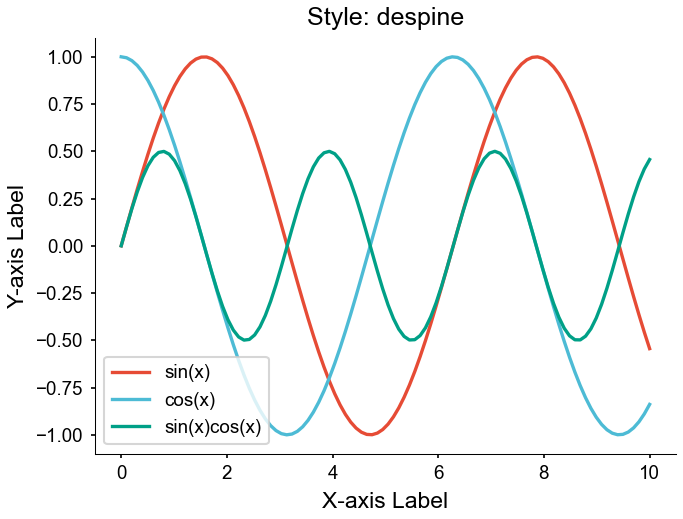
peerstyle.use_style(['nature', 'despine', 'notebook'])
Use the context manager in notebooks — rcParams restore automatically on exit:
with peerstyle.style_context('ieee'):
    fig, ax = plt.subplots(figsize=peerstyle.figsize('ieee'))
    ax.plot(x, y)
    peerstyle.save(fig, 'figure.pdf')
# default rcParams restored here
Gallery
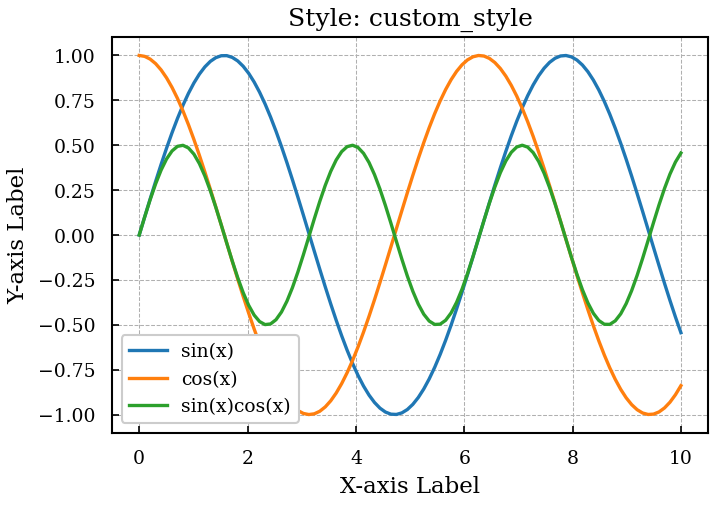
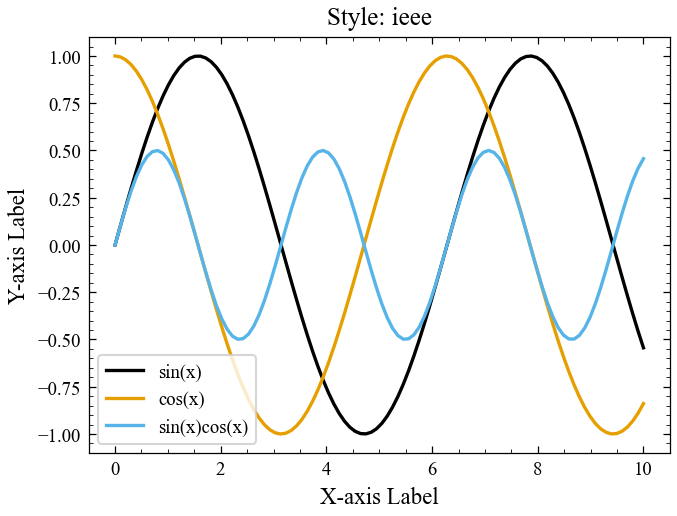
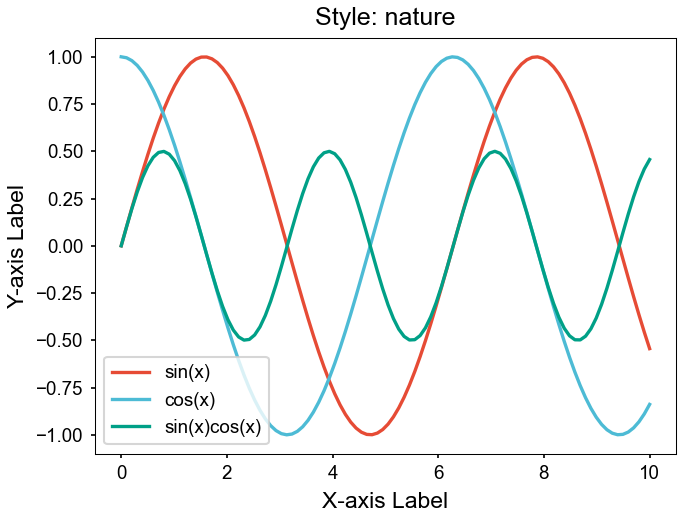
Presets
custom_style |
ieee |
|---|---|
 |
 |
nature |
poster |
|---|---|
 |
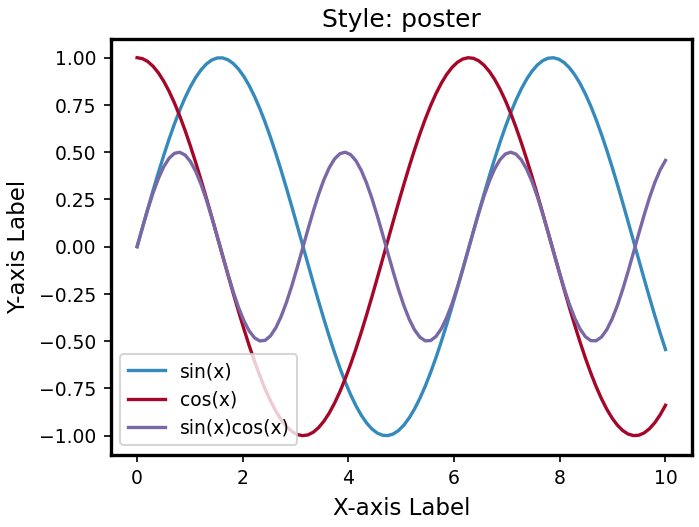 |
Color modifiers
bright |
muted |
|---|---|
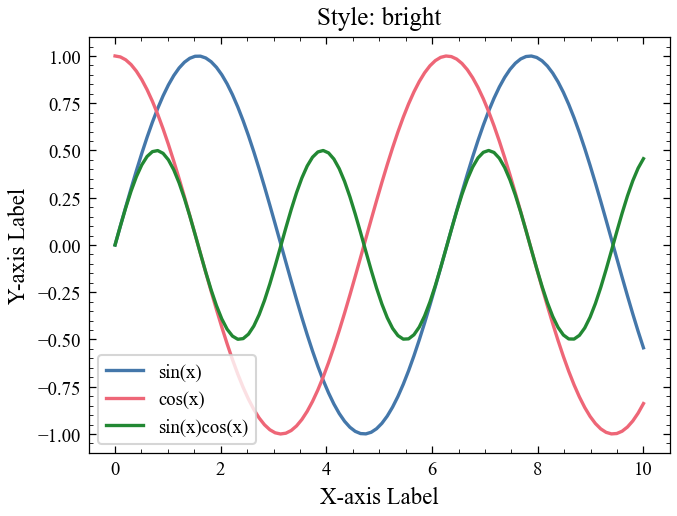 |
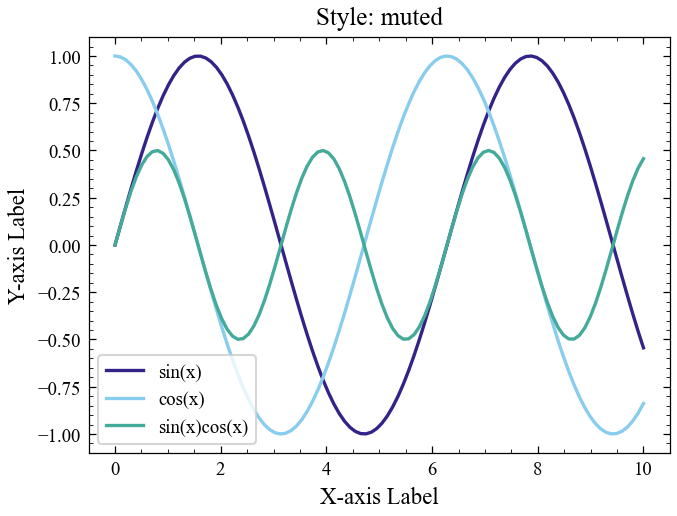 |
Layout modifiers
grayscale |
despine |
|---|---|
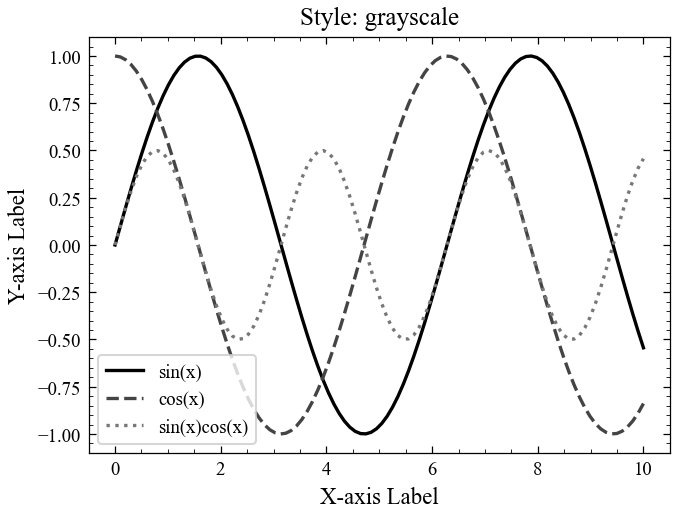 |
 |
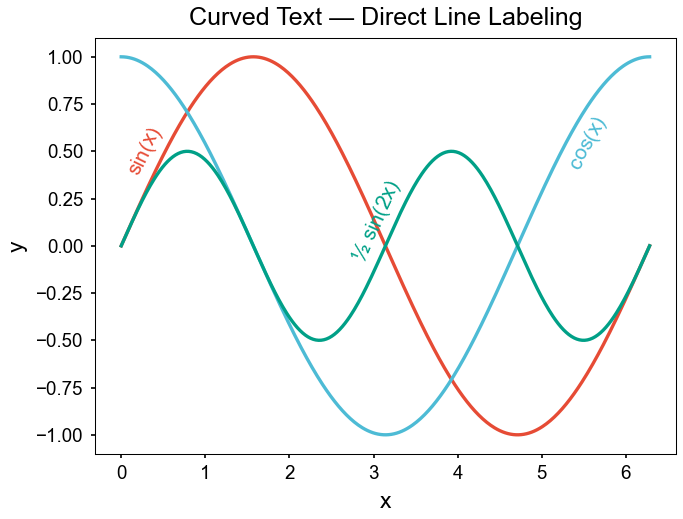
Curved text
Label lines directly along their paths — no legend needed.